Yaya OS 2.0 · Debian 13 · KDE Plasma 6
Digital sovereignty
on honest hardware.
A free operating system for refurbished laptops, tablets, and the machines nobody else wants to maintain anymore. No telemetry, no mandatory accounts, and automatic security updates. Debian underneath, Yaya on top.
What it looks like
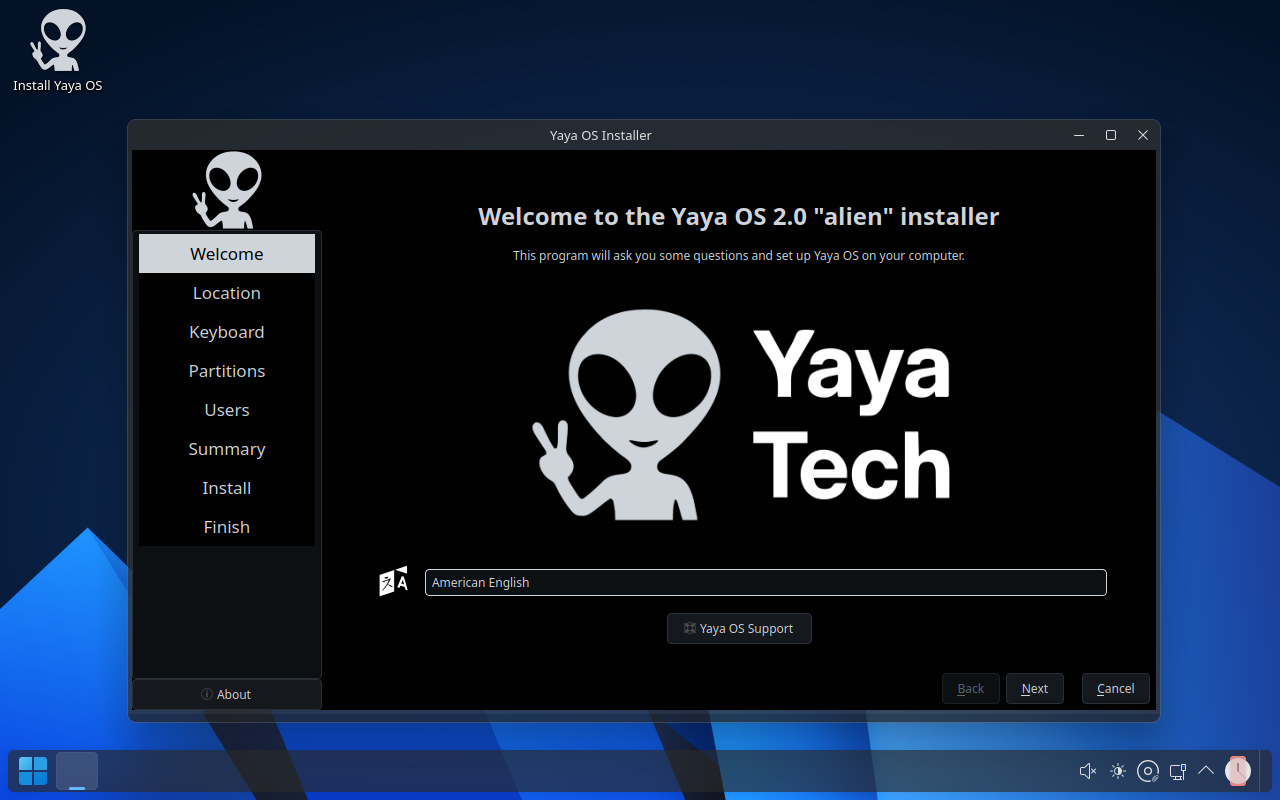
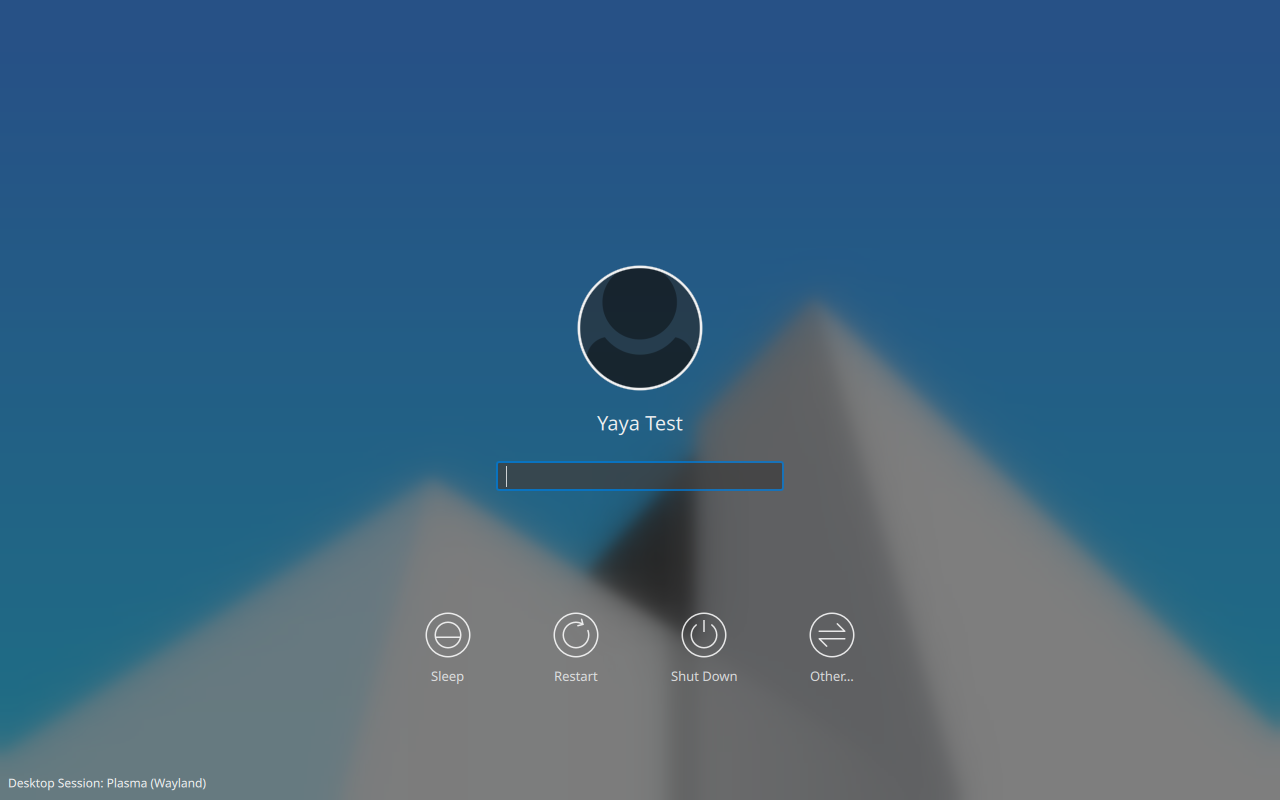
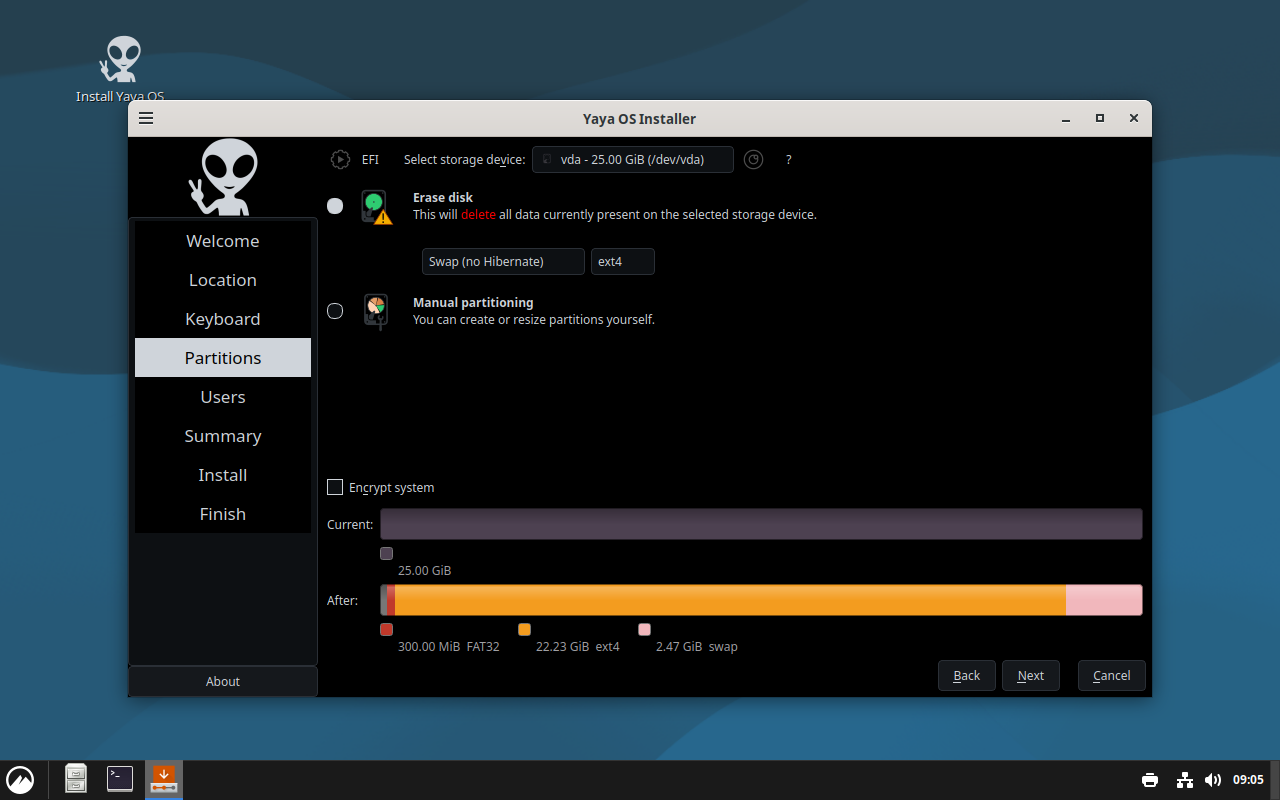
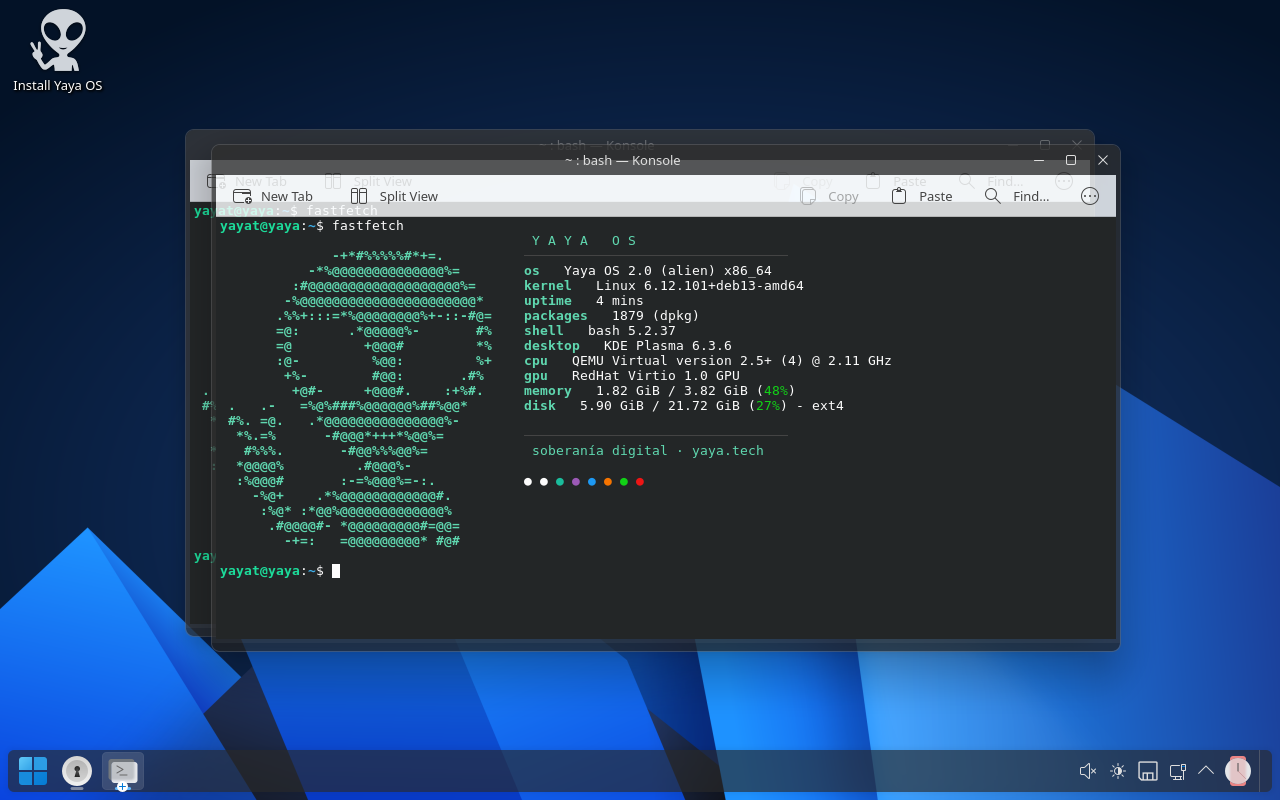
fastfetch in the terminalWhat's included
Base
- Debian 13 "trixie" stable, amd64
- Free kernel and firmware, plus the non-free bits most laptops need (Wi-Fi, Bluetooth, graphics)
- Automatic security updates (unattended-upgrades)
- Flatpak with Flathub enabled
Desktop
- KDE Plasma 6 on Wayland, dark Fluent Round theme
- Natural scrolling and tap-to-click on the touchpad, out of the box
- Tablets: auto-rotation, on-screen keyboard, stylus support (Xournal++)
- Auto-hiding panel, Yaya branding in GRUB, boot splash and login screen
Applications
- Firefox ESR with uBlock Origin
- LibreOffice, Thunderbird, VLC with codecs
- Printers and scanners ready to go (CUPS, HPLIP, Skanpage)
- Full font set, Bluetooth, NetworkManager
What it leaves out
- Telemetry, cloud accounts, ads
- Paid software or subscriptions
- Bloatware — only what a real person actually uses
- Surprises: it's Debian, and it's managed like Debian
What you'll need
| Computer | Any 64-bit PC (amd64) — Intel or AMD — made in 2010 or later. |
|---|---|
| Memory (RAM) | 4 GB works; 8 GB is more comfortable. |
| Storage | 25 GB of free space. An SSD is nicer, but not required. |
| USB stick | 4 GB or bigger. Everything on it will be erased — use a spare one. |
| Boot mode | UEFI or older BIOS both work. If it refuses to boot, turn off "Secure Boot" in the computer's boot menu/BIOS settings. |
Install it
Put the ISO file onto a USB stick
Download the file above, plug in a spare USB stick, then use a free "USB writer" app — it turns the downloaded file into a bootable USB stick. Pick whichever matches the computer you're using right now (not the one you're installing on):
Windows: Rufus — open it, select the USB stick, select the
yaya-os-2.0-amd64.isofile, click Start, choose "Write in DD Image mode" if it asks.
Mac or Linux: balenaEtcher — open it, click "Flash from file" and pick the ISO, click "Select target" and pick the USB stick, click "Flash!".Already comfortable with a terminal?
lsblk(Linux) ordiskutil list(macOS) shows the USB stick's device name, then:$ sudo dd if=yaya-os-2.0-amd64.iso of=/dev/sdX bs=4M status=progress oflag=syncStart the computer from the USB stick
Plug the USB stick into the computer that will run Yaya OS, then turn it on (or restart it). Right as it powers on, tap the boot-menu key a few times — usually
F12,F9,Esc, orDel, depending on the brand — and pick the USB stick from the list that appears. You'll land in a "live" session: you can look around and try things without changing anything on the computer yet.Click "Install Yaya OS"
On the live desktop, find and open Install Yaya OS. It will ask a few simple questions — Wi-Fi (optional), your language, your time zone, which disk to use, and your username/password. Answer them and click Next each time. It takes 5 to 15 minutes. When it says it's done, remove the USB stick and restart — Yaya OS will start up on its own.
Verify your download (optional, but recommended)
This step is for the more technical reader — it's safe to skip and go straight to installing. A damaged or tampered download can install anything, so if you want extra peace of mind, check the file's integrity (SHA-256) first, then confirm it was really published by Yaya (GPG signature).
# 1. integrity check
$ sha256sum -c yaya-os-2.0-amd64.iso.sha256
yaya-os-2.0-amd64.iso: OK

# 2. authorship: import the key, then check the signature
$ curl -fsSLO https://yaya.tech/os/yaya-os-release-key.asc
$ gpg --import yaya-os-release-key.asc
$ gpg --verify yaya-os-2.0-amd64.iso.asc yaya-os-2.0-amd64.iso
gpg: Good signature from "Yaya OS Release Signing Key <releases@yaya.tech>"
Signing key fingerprint (ed25519, expires 2028-08-31):CD1C 9B2C 71B0 DF06 6265 0295 54EE E906 5600 8C1A
Actually free
Yaya OS is built with live-build from unmodified Debian packages. Everything we add on top — the theme, the installer branding, the tweaks — is a handful of scripts you can read in ten minutes. The code lives on our own git server and on GitHub:
libre.yaya.tech/yaya/yaya-os · github.com/libr3andr3/yaya-os
Installed it on an unusual machine and something didn't work? Email andre@yaya.tech with the brand, model, and what went wrong. Hardware fixes go into the next ISO.